
Column Priority Configuration
The column priority configuration tool makes viewing and using your boberdoo system from smaller screens easier than ever before.

Why Column Priority?
In the past, pages like the Leads tab or Partners tab were fully compatible with desktop and laptop screens, but more difficult to use on tablets or smartphones. The column priority configuration tool solves this by letting you control which columns appear first and which are hidden on smaller screens.
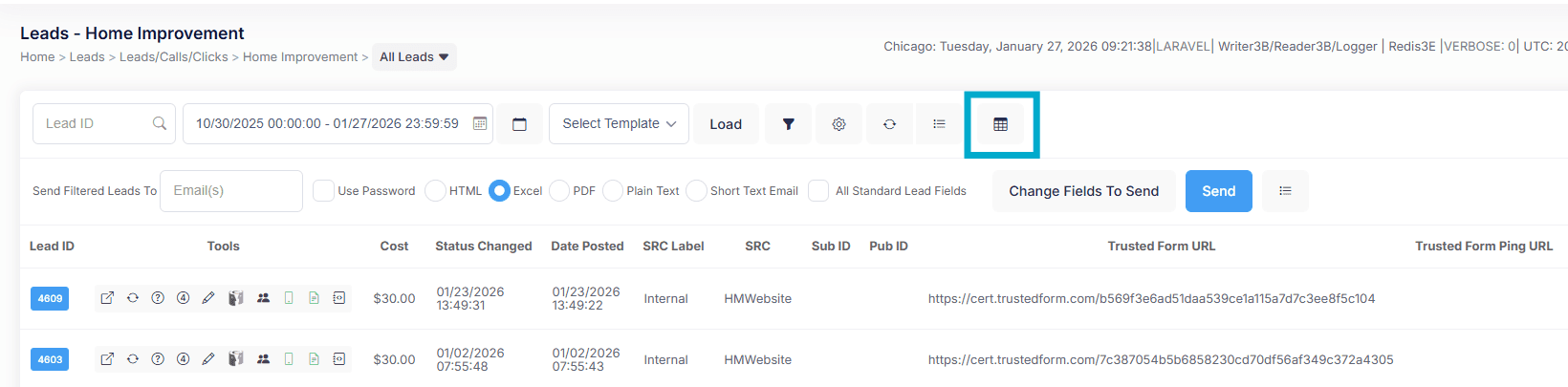
How It Works
Simply drag and drop your fields to display their corresponding columns in the order of your choosing. You can also hide fields by unchecking the box next to the column title. Any columns ordered at the bottom of the page can still be accessed by scrolling right once you save your settings.
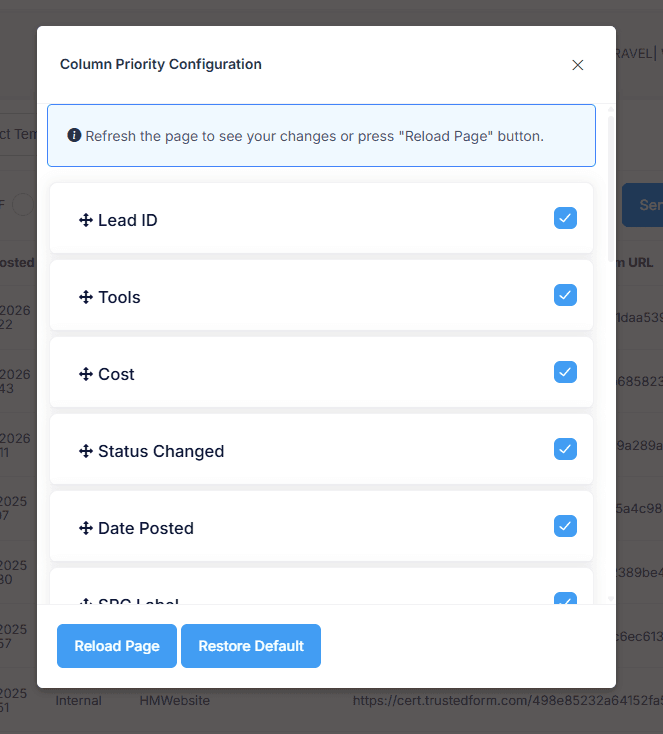
Setting Column Priorities
Leads Tab
Access the Leads tab, select a lead type, and locate the gear-shaped icon at the top right corner labeled "Column Priority Configuration." After clicking this button, you can simply drag and drop your fields to display their corresponding columns in the order of your choosing. You can also choose to hide fields as well by unchecking the box next to the column title. Any columns that you order at the bottom of the page can still be accessed by scrolling to the right once you save your settings.
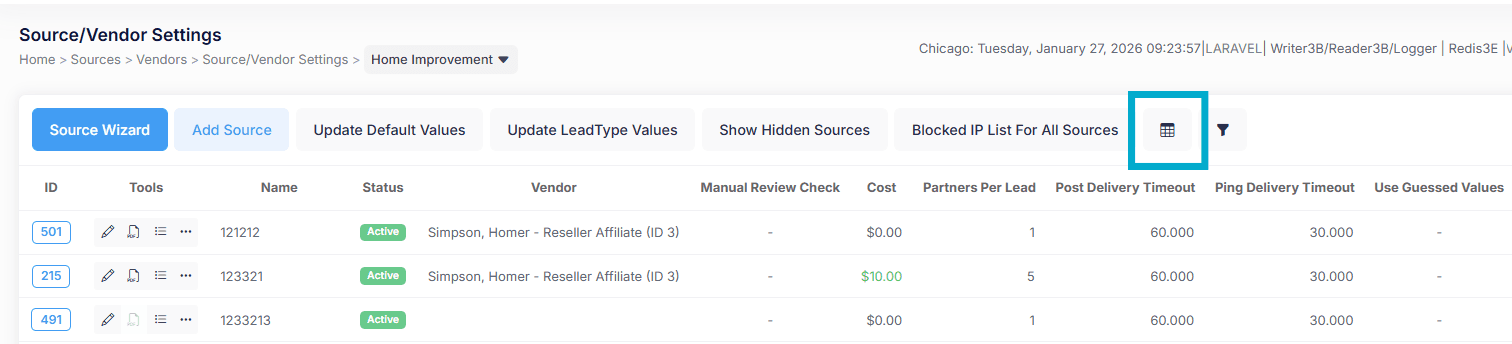
Sources Tab
The same process applies to the Sources tab. Access the tab, select a lead type, and find the same gear icon for configuration. Drag-and-drop functionality and hide options function identically to the Leads tab implementation.
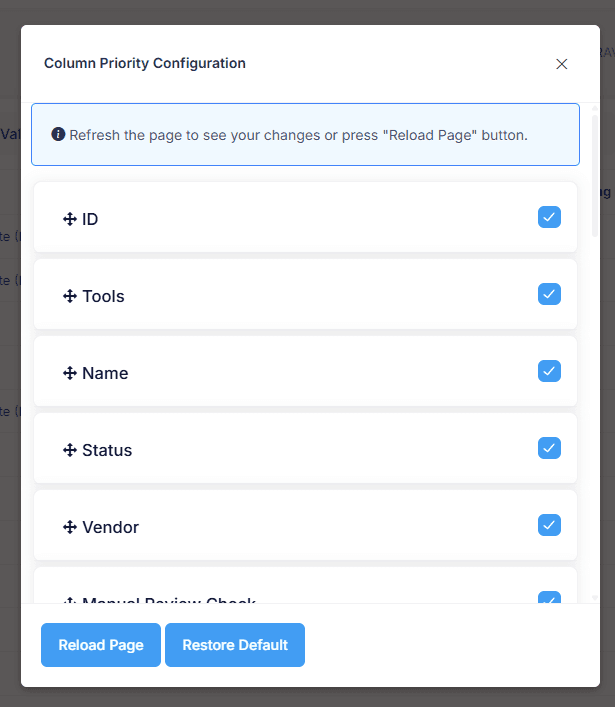
Partners Tab
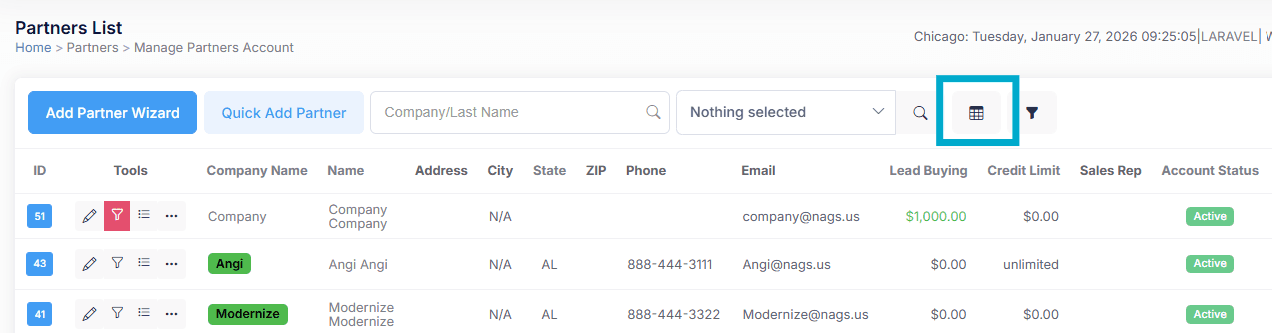
The Partners tab uses the identical configuration method with the gear-shaped button positioned at the top right. The columns available to you and their titles are specific to your system and your lead types and can be customized to your liking through a support ticket.
Need Help Customizing Your View?
Contact our support team for assistance with column configuration or to request custom column titles.