
Lead Field Security
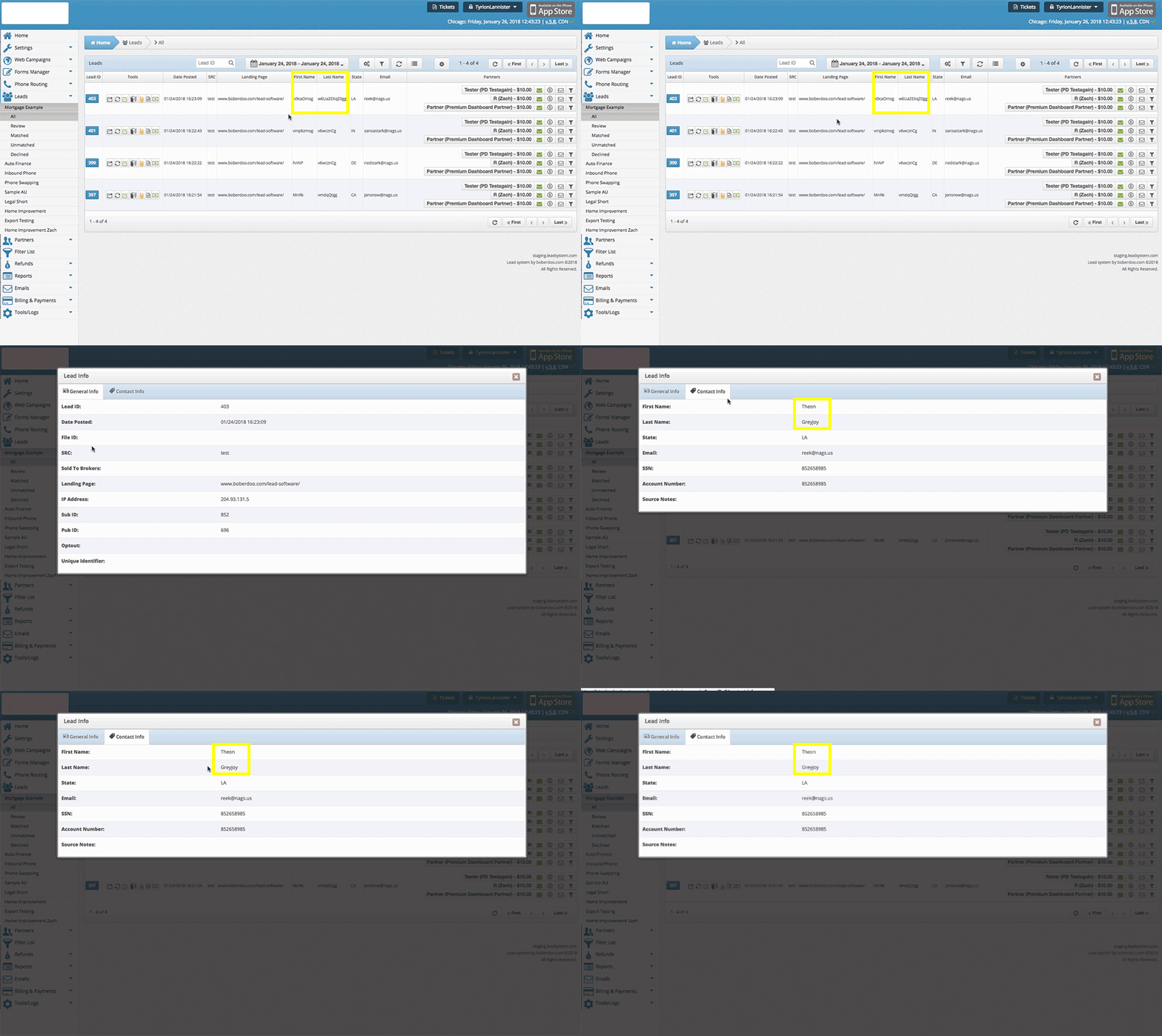

Sensitive Field Encryption
Encrypt sensitive fields the second they hit the boberdoo system. Fields marked as sensitive (SSN, Driver’s License, etc.) are stored encrypted in the system and database. Sensitive fields are only visible when Secure Mode is activated. Pre-marked fields can be customized upon request.
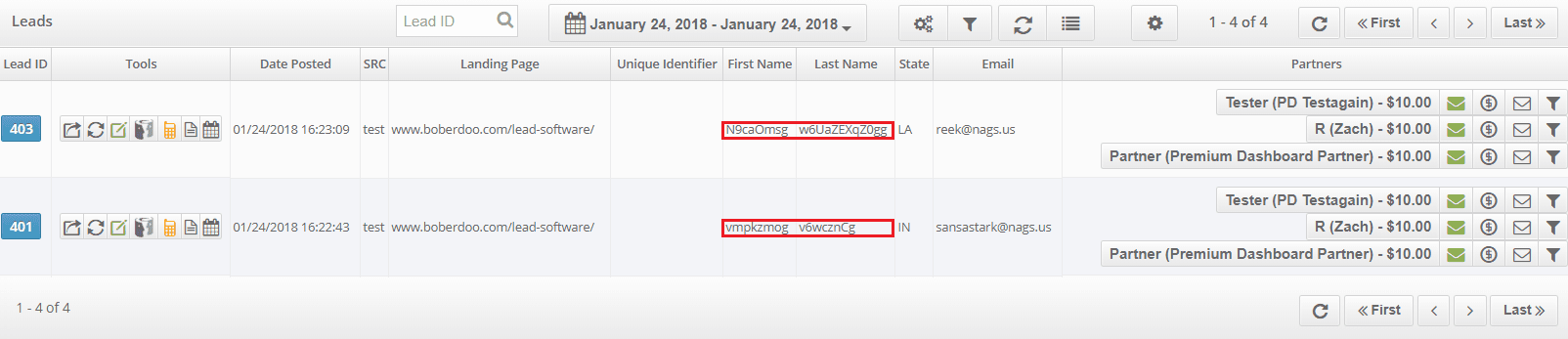
- Automatic encryption of sensitive fields on entry
- Encrypted storage in system and database
- Only visible when Secure Mode is active
- Customizable sensitive field designations
Secure Mode
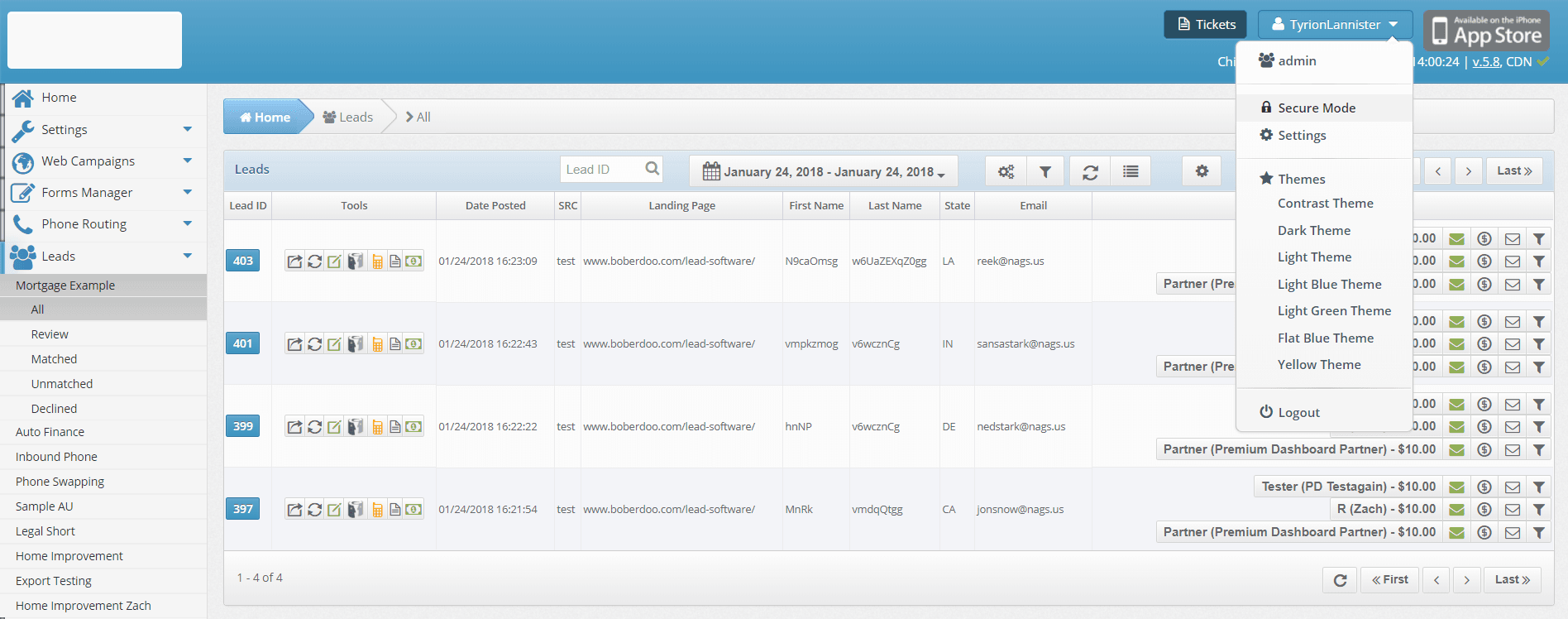
Activate Secure Mode to view sensitive fields and to unlock features that display sensitive fields. This increased security measure logs all user activity including viewing sensitive fields, data exports, and related actions.
- Activated via user dropdown menu in top right corner
- Requires password re-entry to activate
- Displays padlock icon when active
- Times out after 15 minutes of inactivity
- Must be enabled at User Group level via Settings > User Groups
Lead Field Security FAQ
Sensitive fields remain encrypted for buyers in lead delivery and partner admin, except when using the "Go To Partner Admin" tool.
Secure Mode remains active during system use and deactivates after 15 minutes of idle time.
A padlock icon appears in the user dropdown when Secure Mode is active.
Questions About Lead Field Security?
If you have any questions about boberdoo’s lead field security features or are interested in implementing any of these options, please reach out to our team.